
Tech Stack
Description
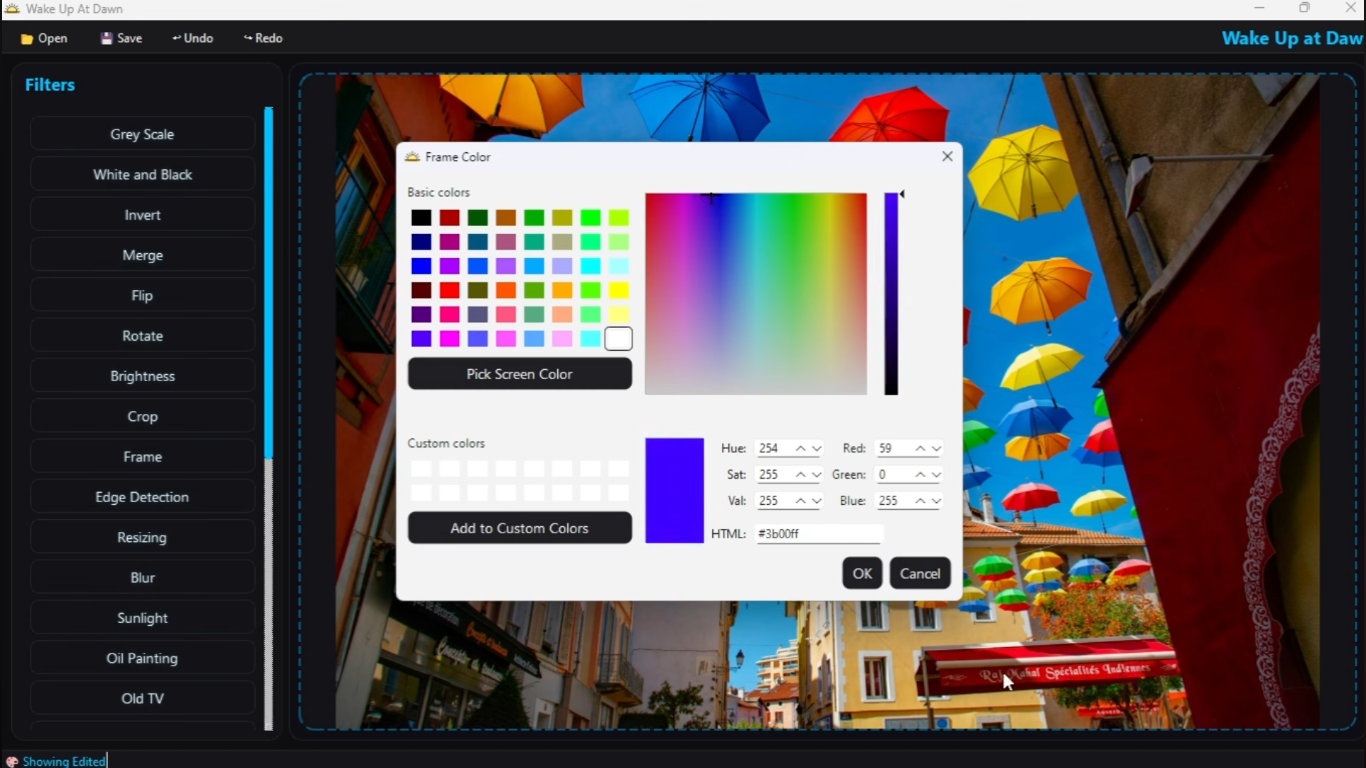
The C++ Image Processor is a high-performance application built with modern C++17. Initially developed with a clean, highly interactive Command-Line Interface (CLI), the project was later expanded to include a fully responsive Graphical User Interface (GUI) to load images, apply complex filters, and save results.
The core architecture leverages deep Object-Oriented Programming principles to ensure maximum scalability. By utilizing an abstract Filter base class, the system is designed so that adding new effects requires zero modifications to existing source files. Additionally, the application integrates a robust undo/redo stack that tracks every image state dynamically.
A total of 22 distinct filters were implemented, ranging from basic color channel manipulations (like Grayscale and Invert) to advanced kernel-based convolutions (like Edge Detection and Fast Box Blur), utilizing the stb_image library (provided by Dr. Mohamed Elramly) for efficient raw pixel access.
- Designed the core Object-Oriented structure of the C++17 application, establishing a scalable foundation that simplified filter integration for the entire team.
- Implemented an abstract Factory-like pattern allowing the seamless integration of 22 independent image filters.
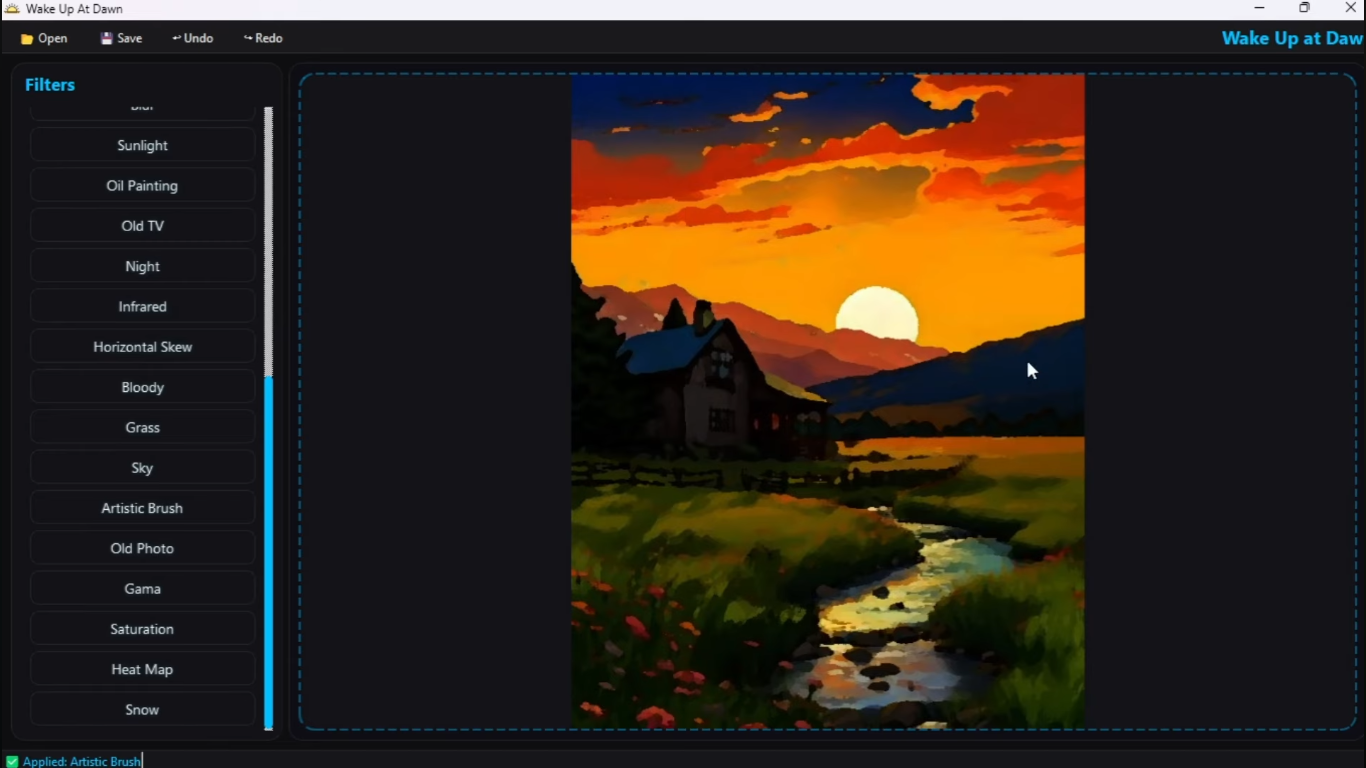
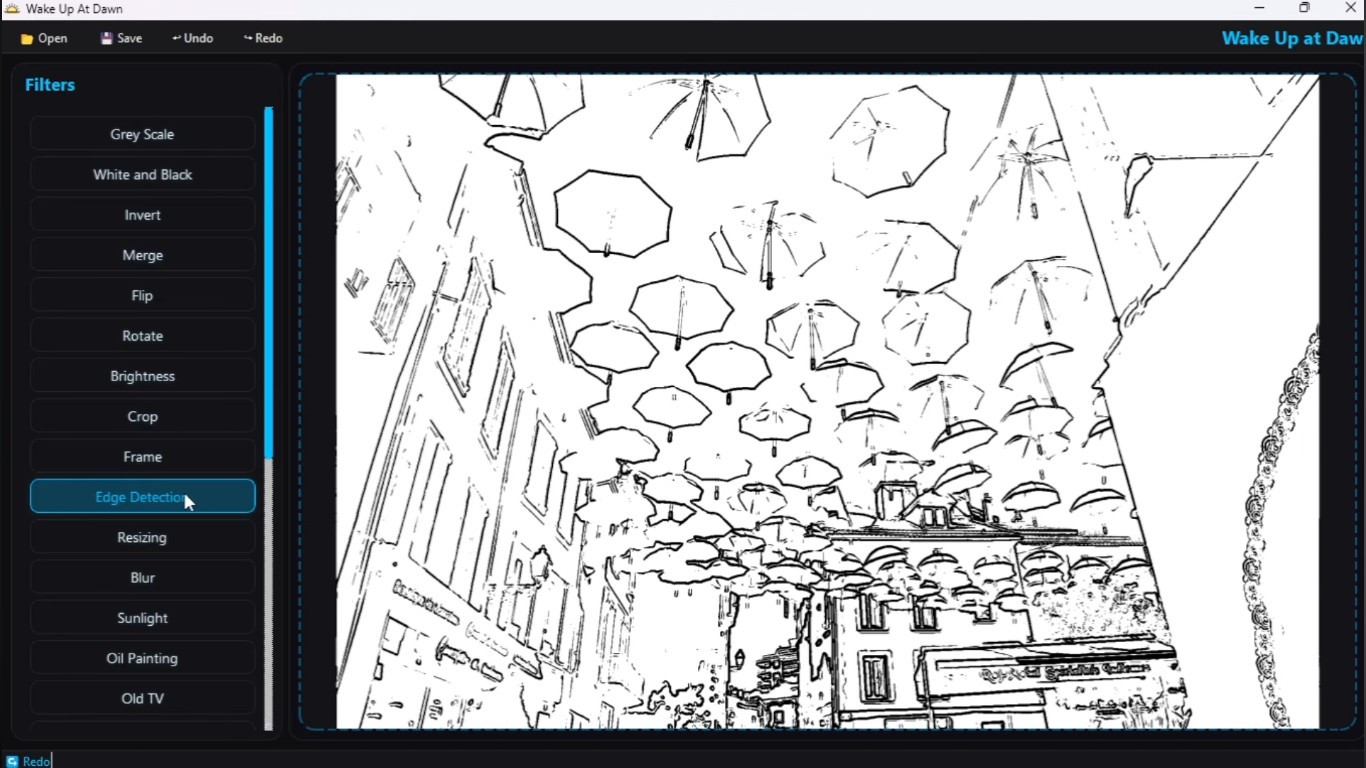
- Built custom algorithms for complex transformations, including Sobel Edge Detection and Artistic Brush.
- Configured a cross-platform CMake build system ensuring consistent compilation across Linux, macOS, and Windows.
- Collaborated within a team environment to develop and integrate a Graphical User Interface (GUI) over the core CLI, utilizing AI-assisted development tools to accelerate prototyping and implementation.
Page Info
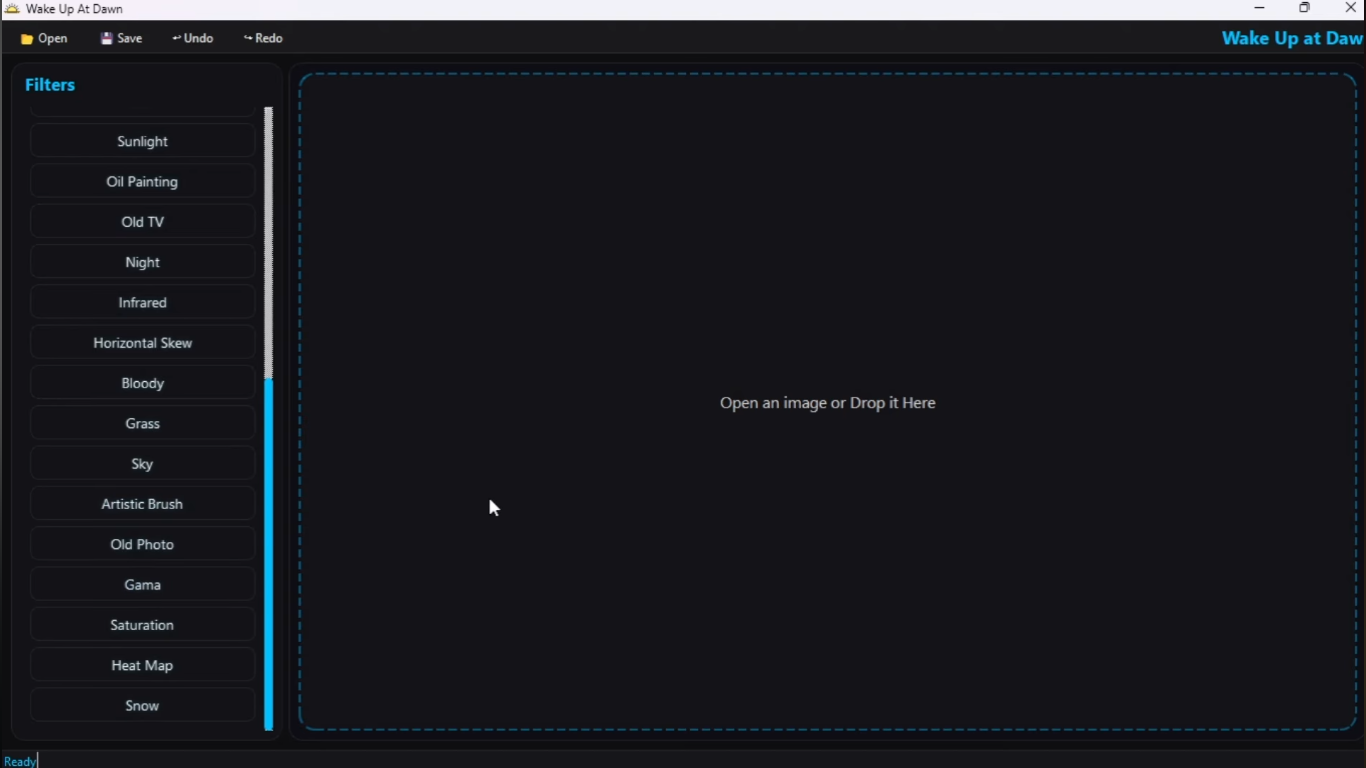
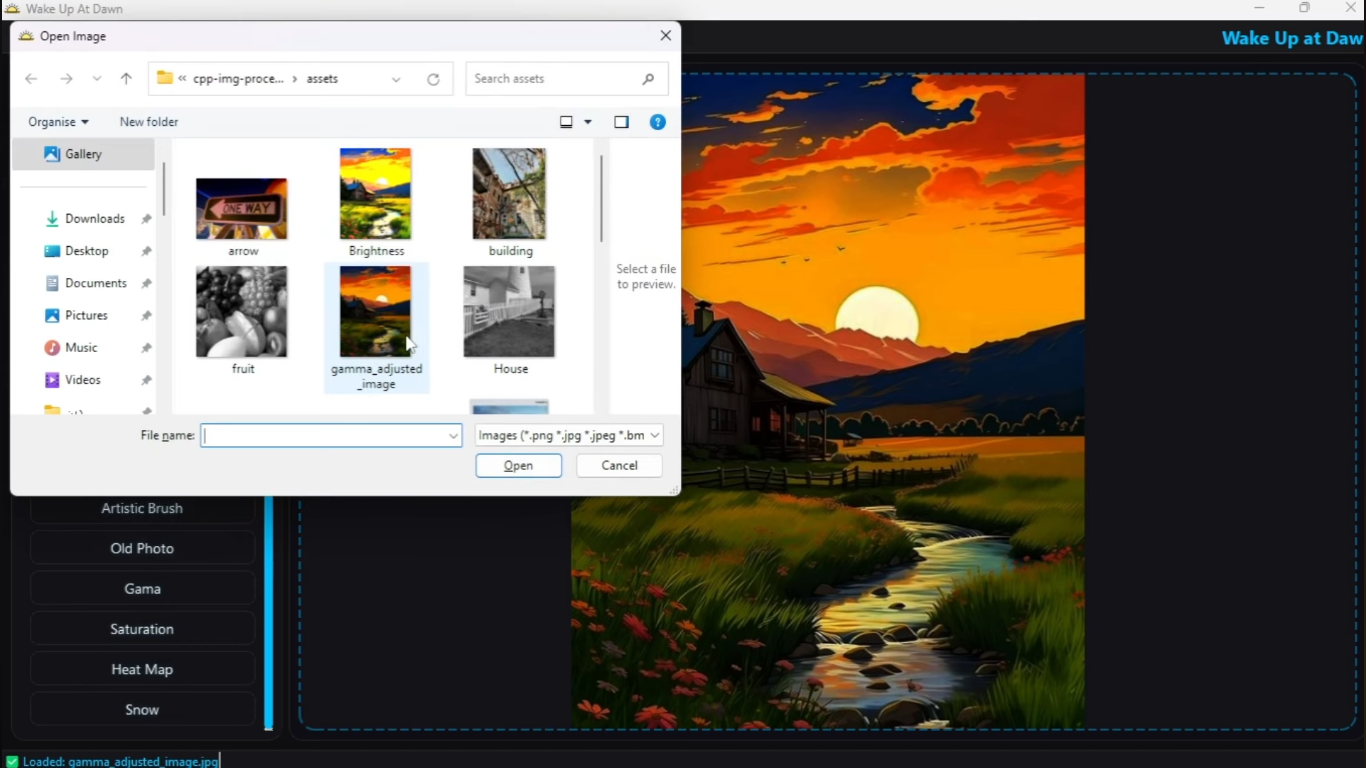
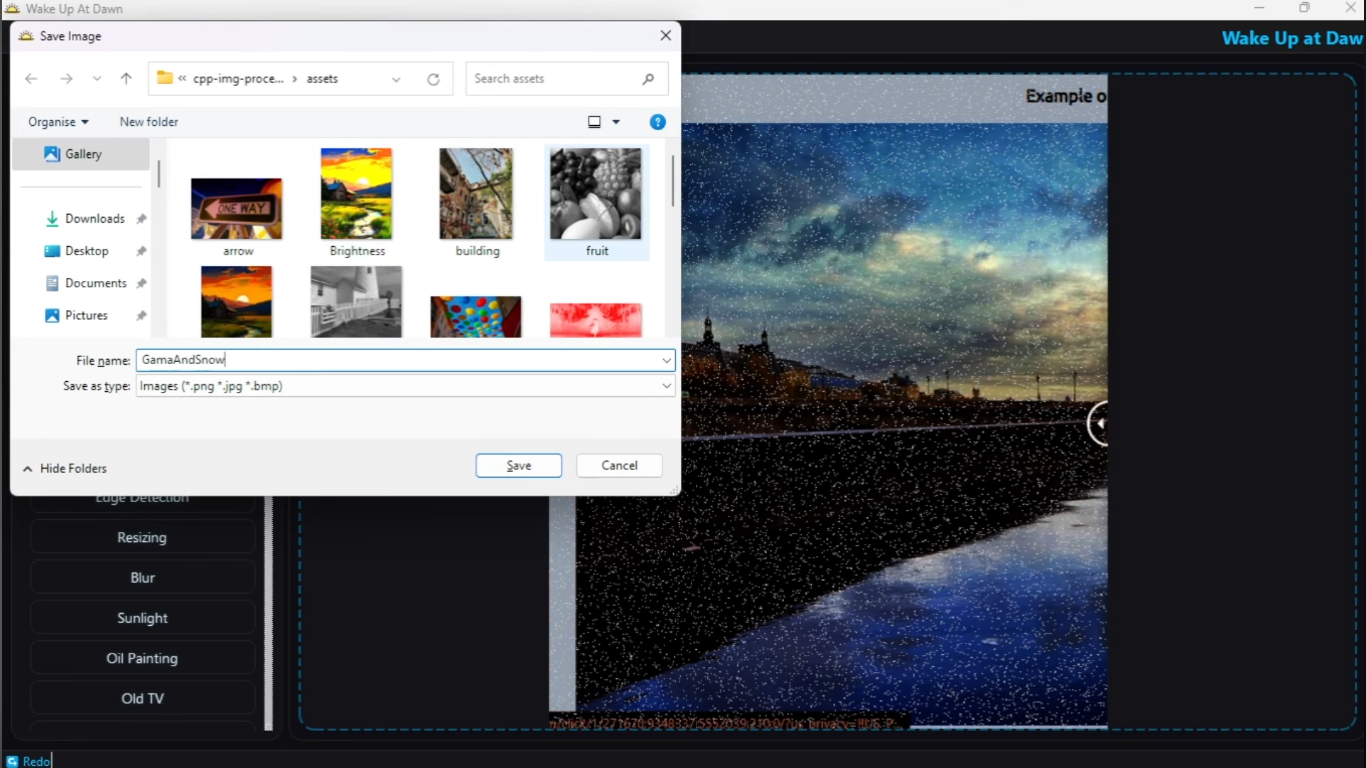
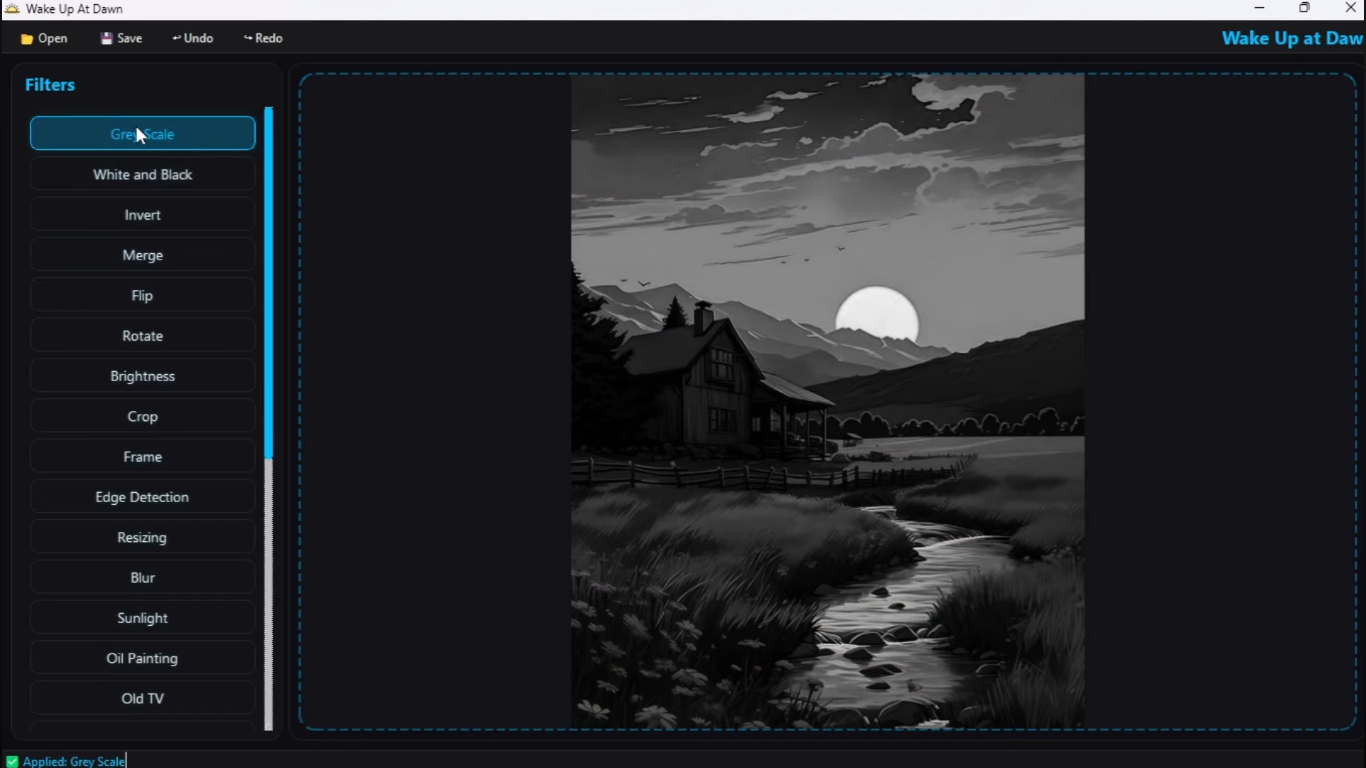
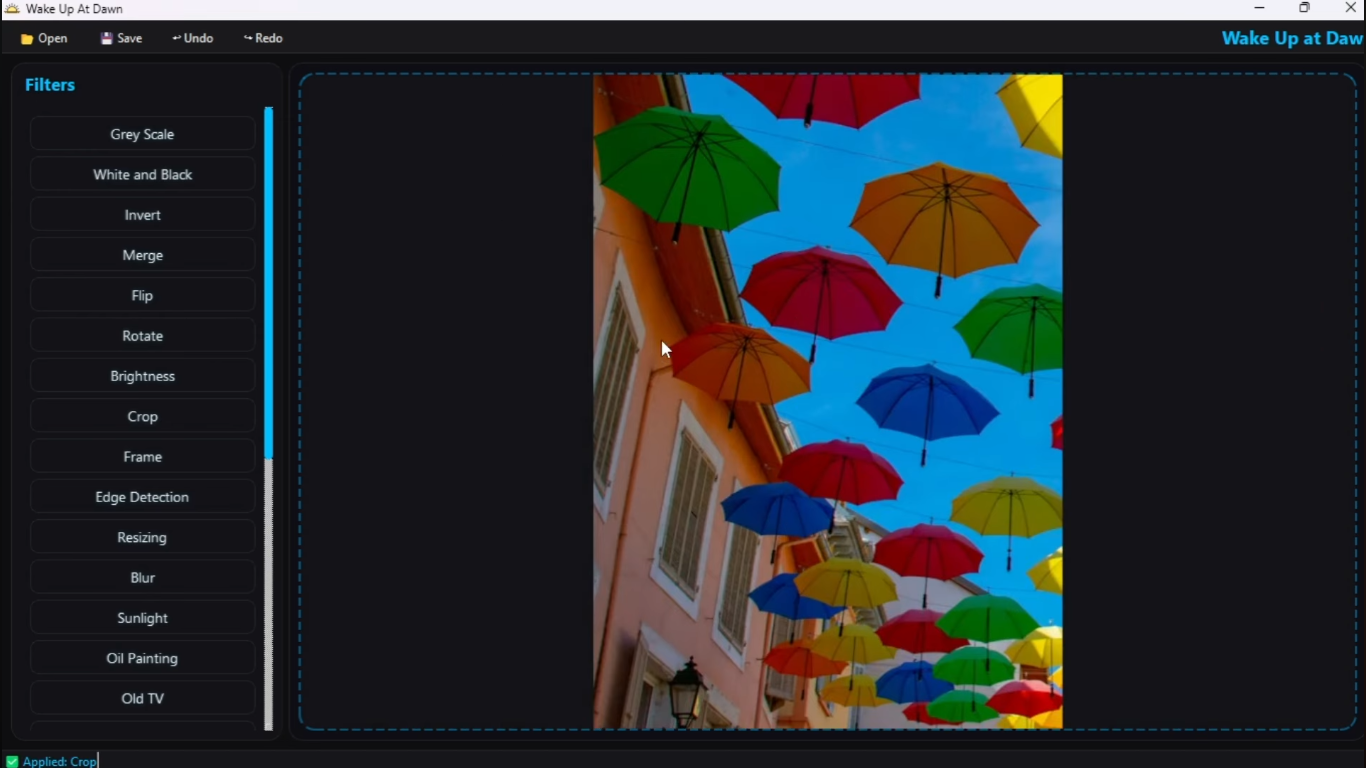
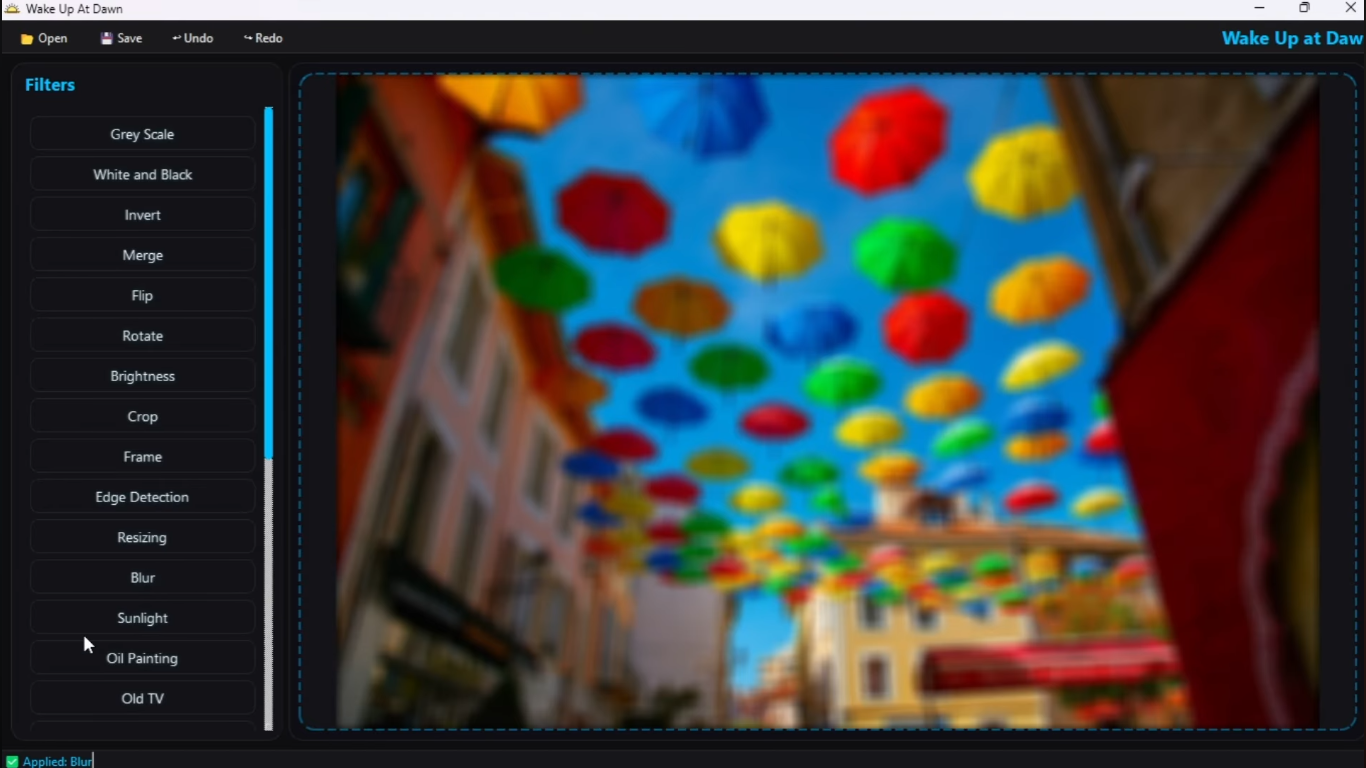
Interactive GUI & File Operations
A sleek graphical user interface demonstrating image loading, dynamic filter selection, and saving capabilities.
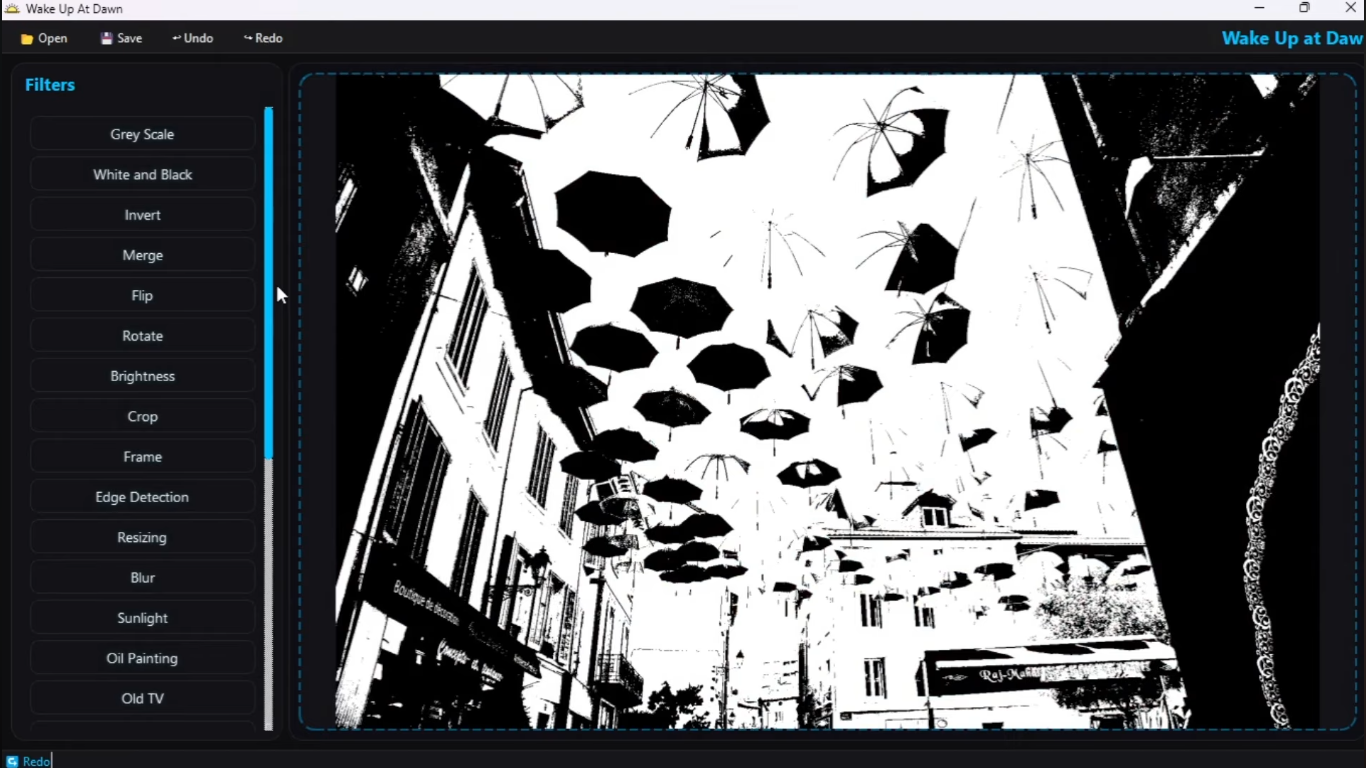
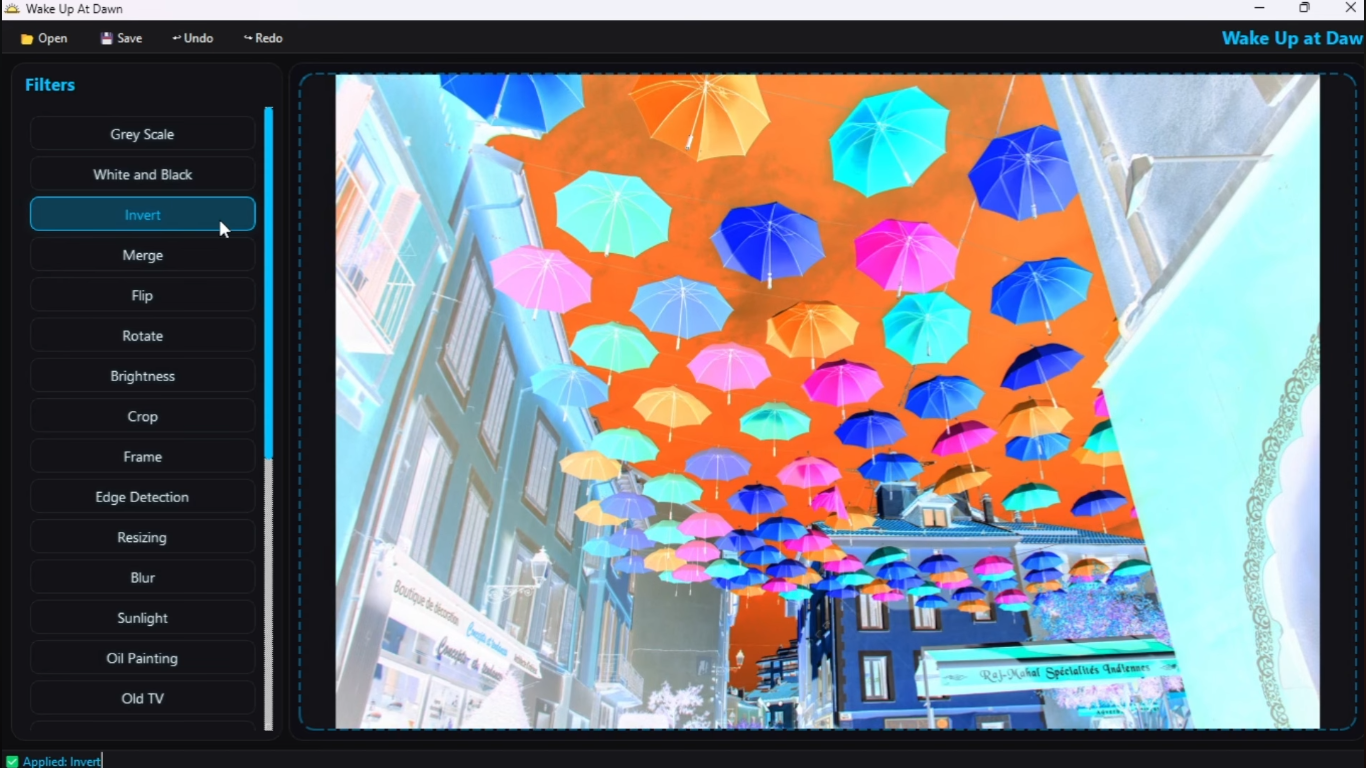
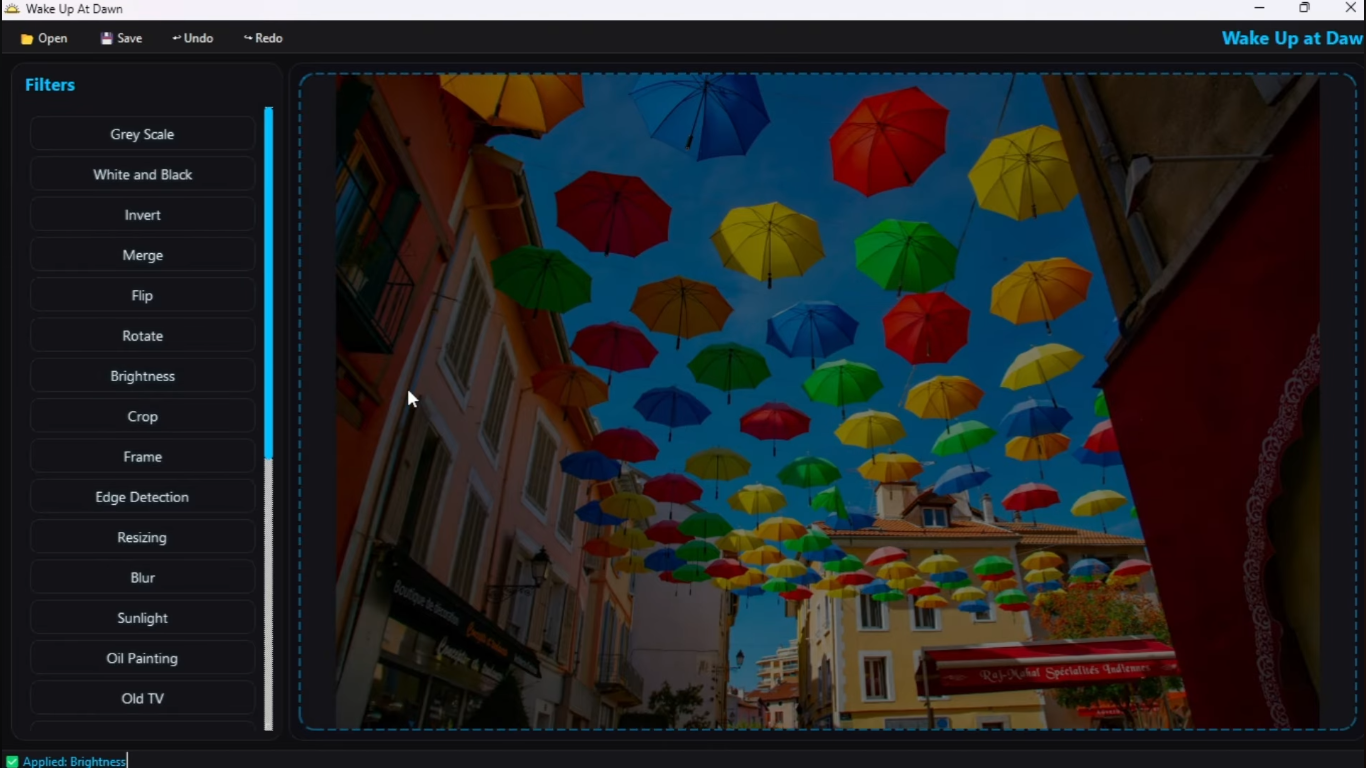
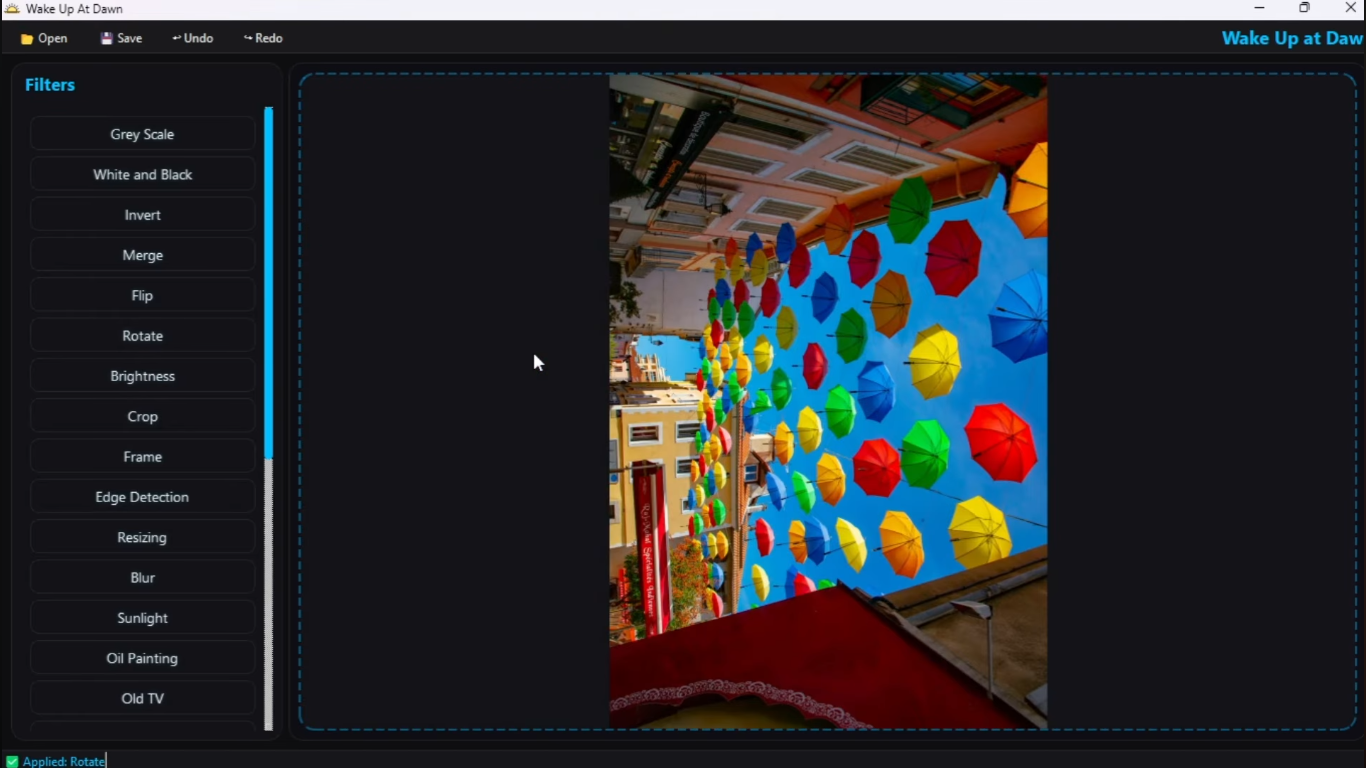
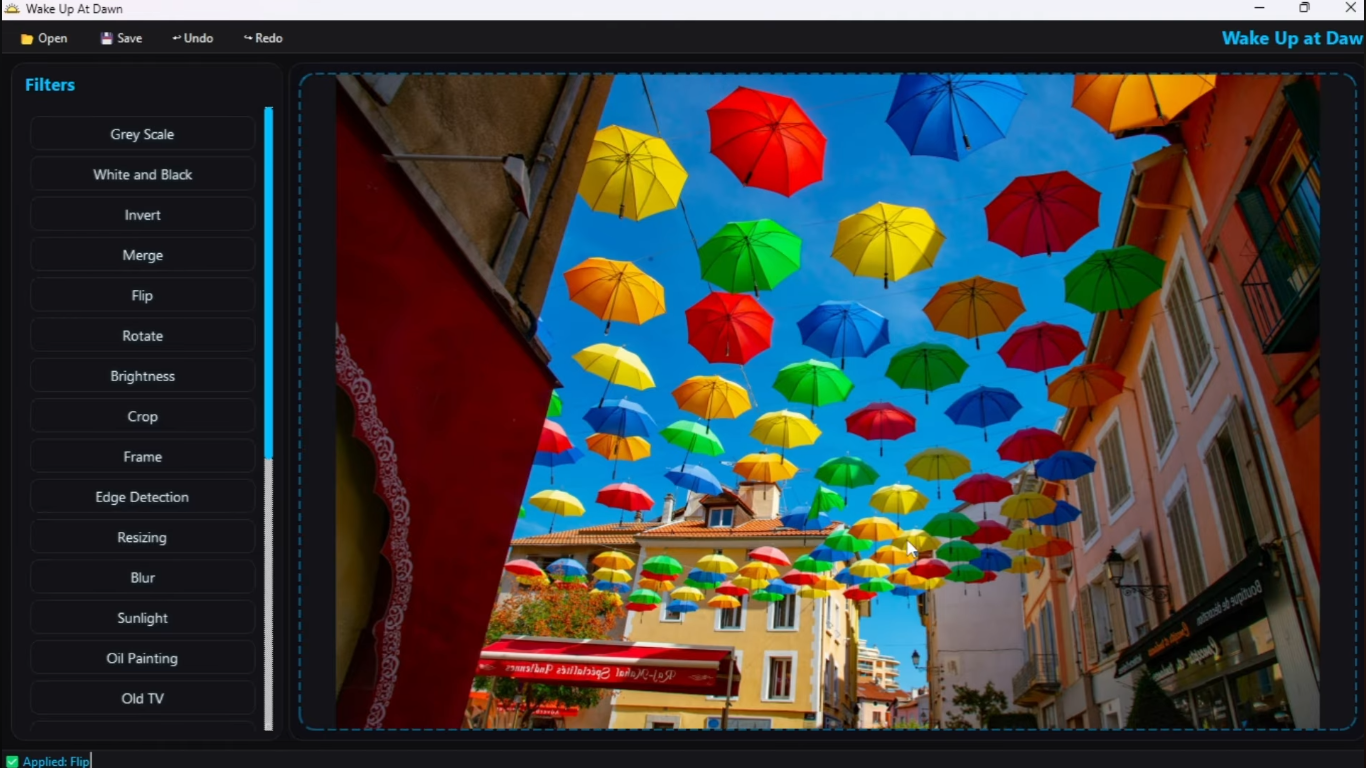
Basic Filters & Transformations
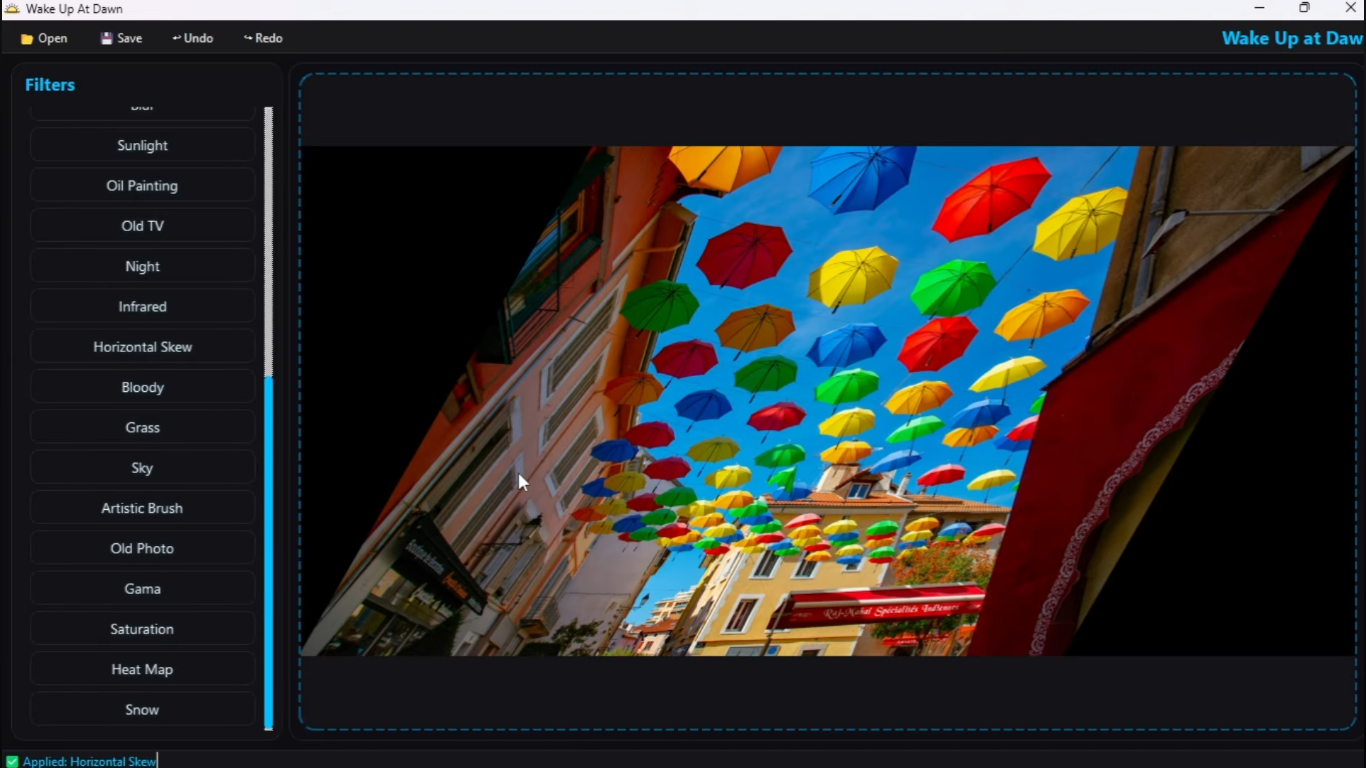
Core image manipulations including spatial transformations, cropping, and fundamental color adjustments.
Advanced & Artistic Filters
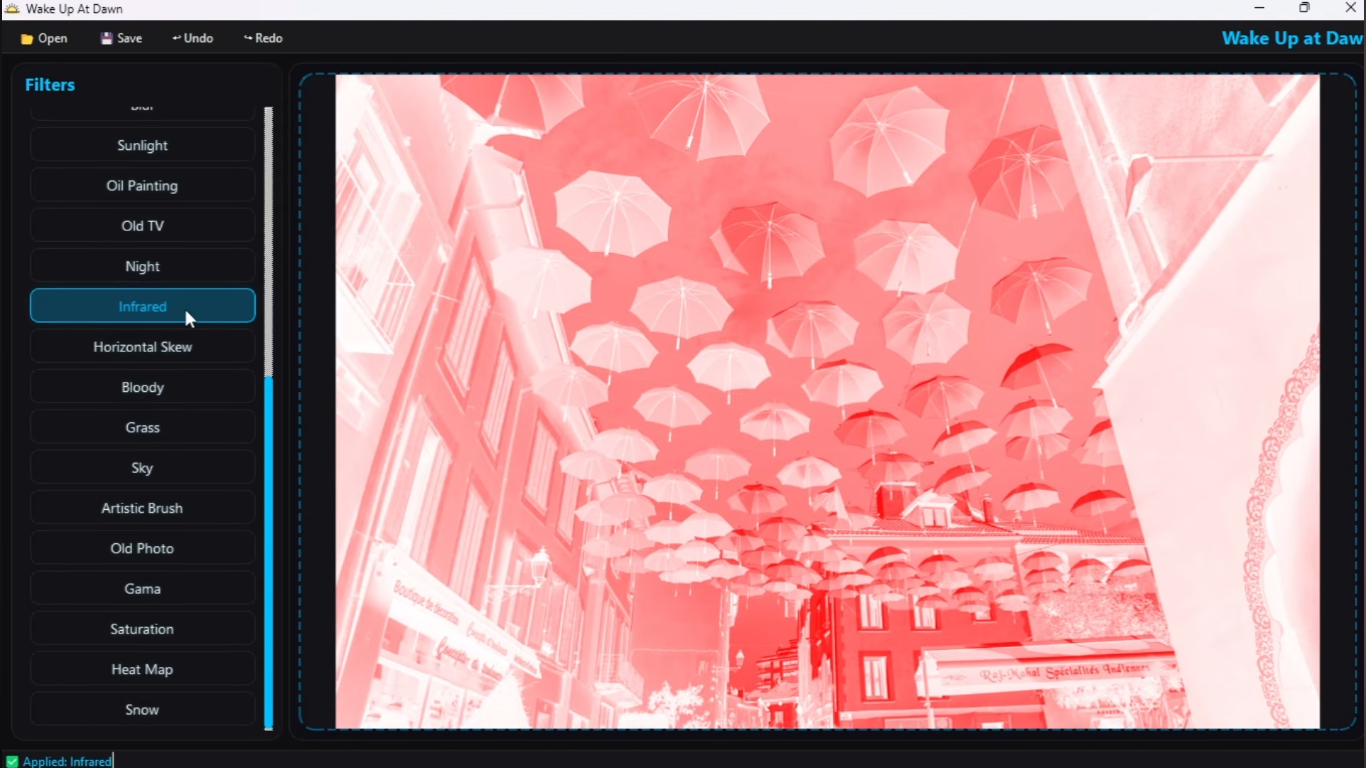
Complex pixel manipulations utilizing kernels and neighborhood sampling to apply artistic and structural effects.
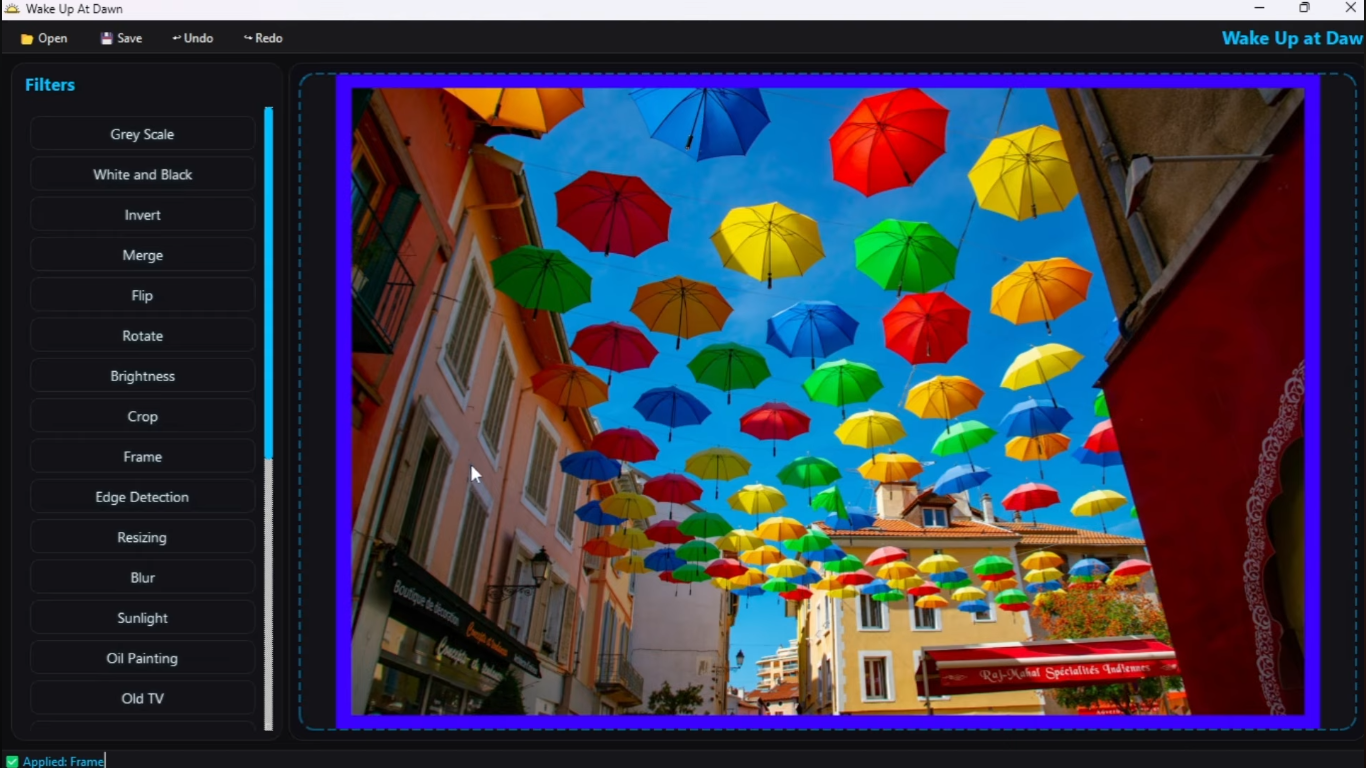
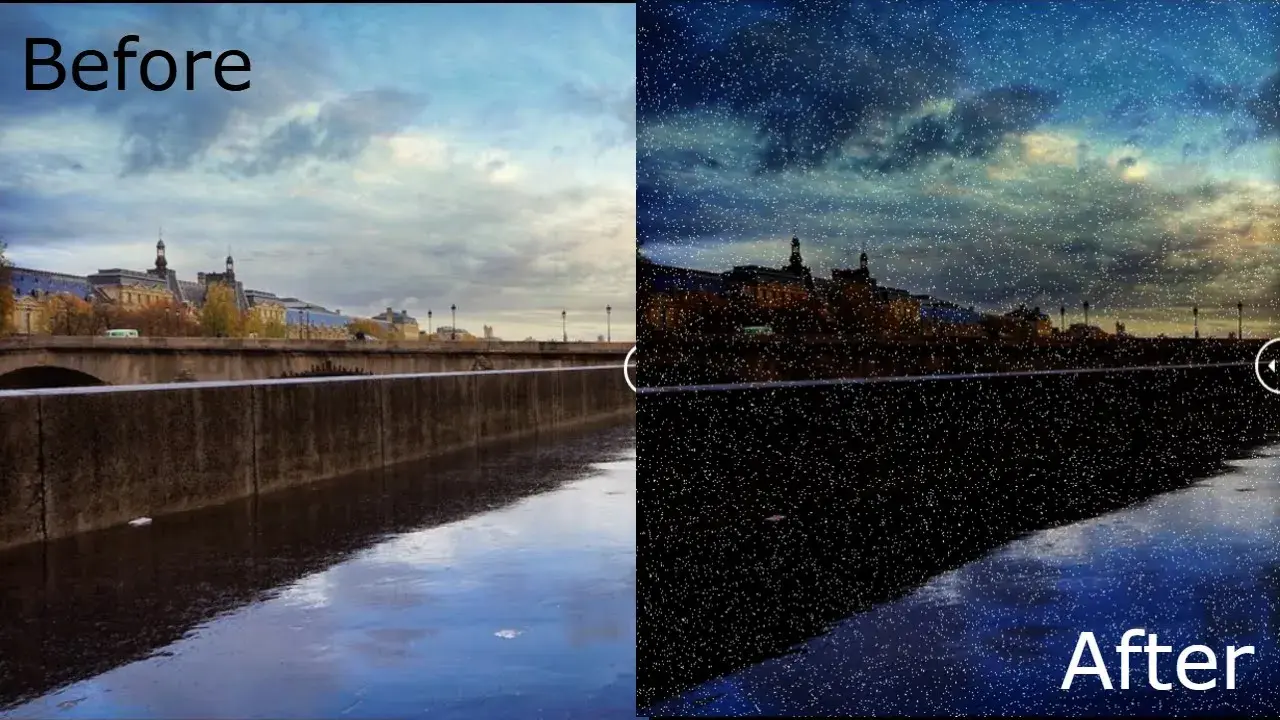
Results (Before & After)
Comparison showing the final output after chaining multiple visual filters.